Ovation VR App
Virtually there. Practically ready.
VR surrounds you with the moment, helping you stay focused, feel present, and practice through the nerves of being seen and heard.
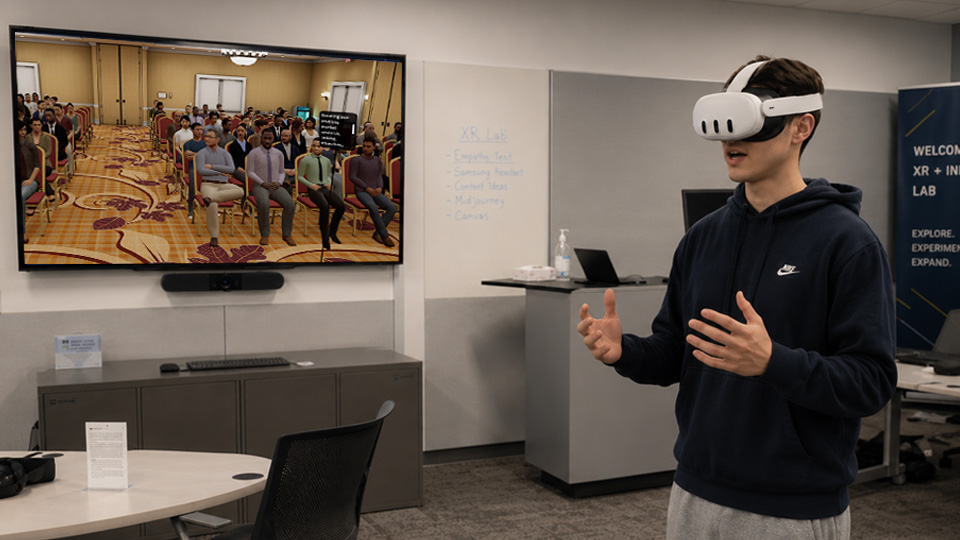
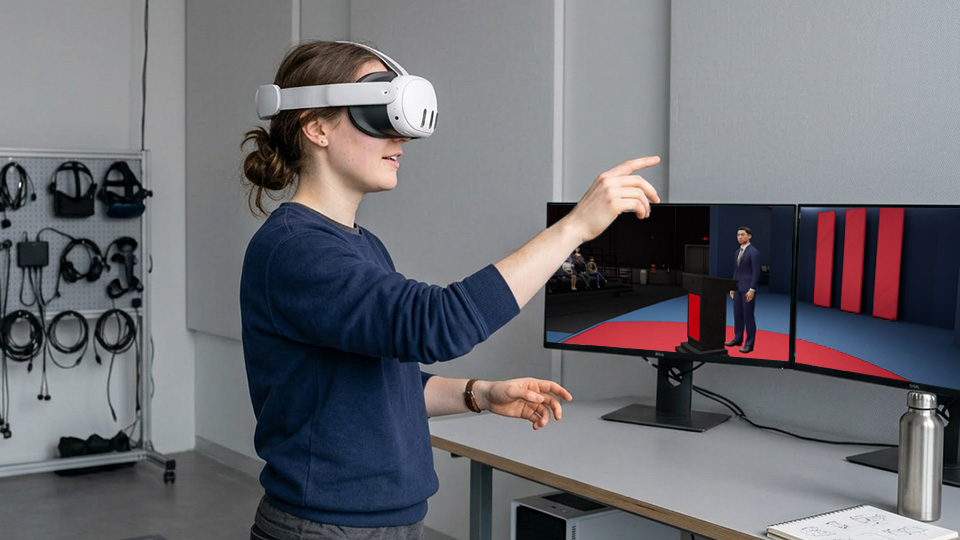
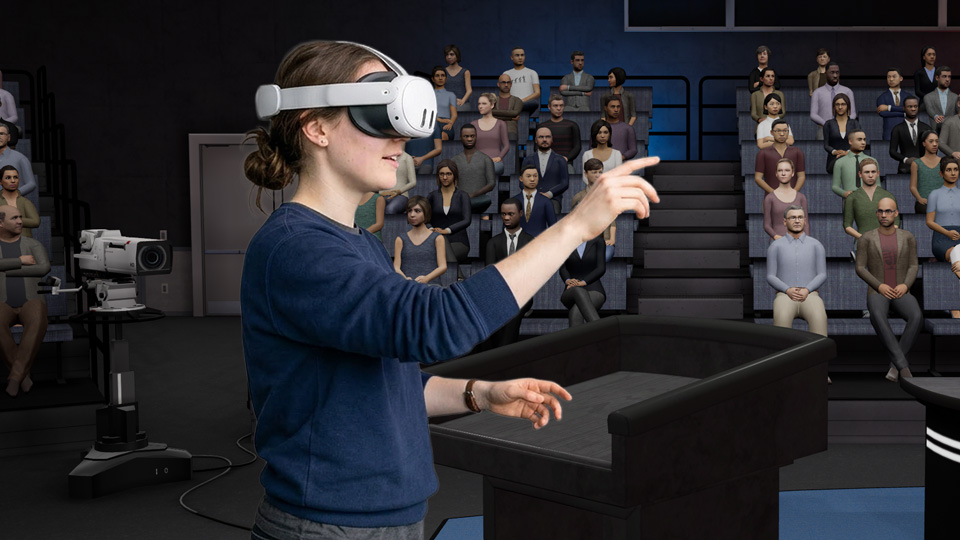
Features only found in VR
Use VR when realism matters
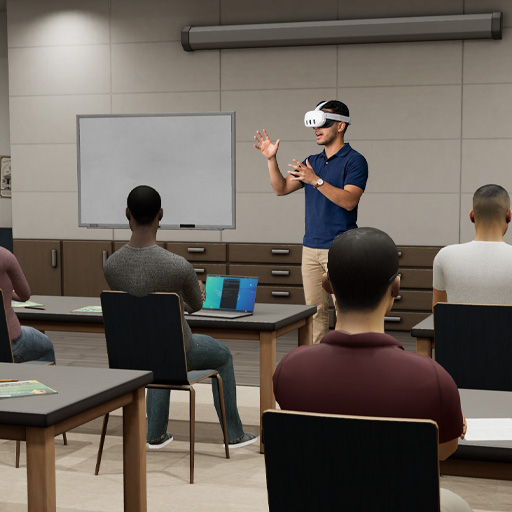
Presentations
Practice delivery, pacing, slide flow, and audience Q&A in a realistic room.
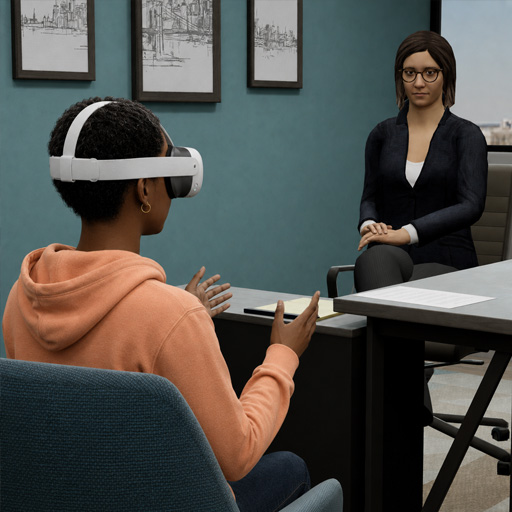
Interviews
Rehearse answers, body language, and confident delivery with AI interviewers.
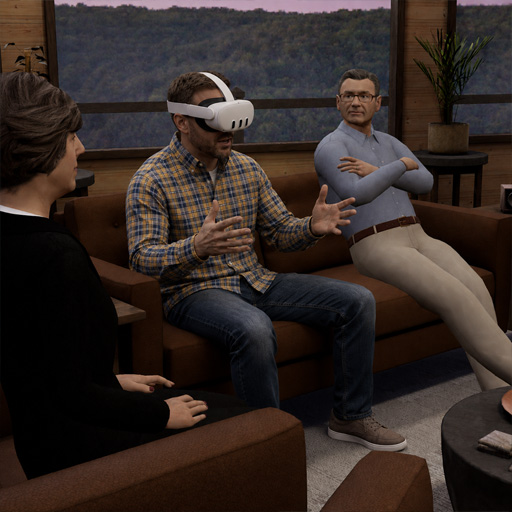
Difficult conversations
Prepare for advising, conflict, customer interactions, and moments where tone matters.
One license, two ways to practice
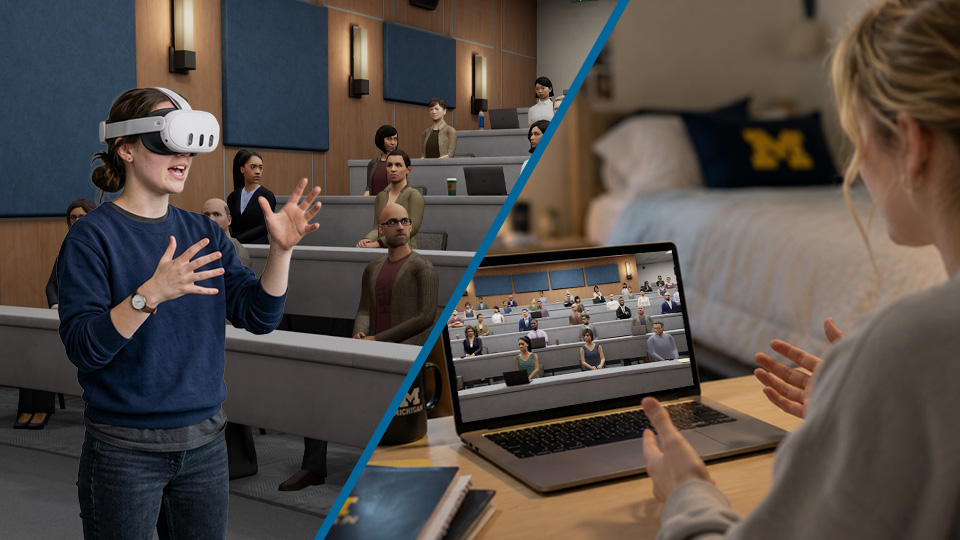
VR App
- Best for immersive, high-pressure rehearsal
- Uses a compatible VR headset
- Creates stronger presence and realism
- Ideal for labs, simulations, and in-the-room practice
Desktop App
- Best for flexible practice anywhere
- No VR headset required
- Great for assignments, quick sessions, and repeated reps
- Easier for learners to start on their own computer
Headset compatibility
Ovation runs on Meta Quest headsets
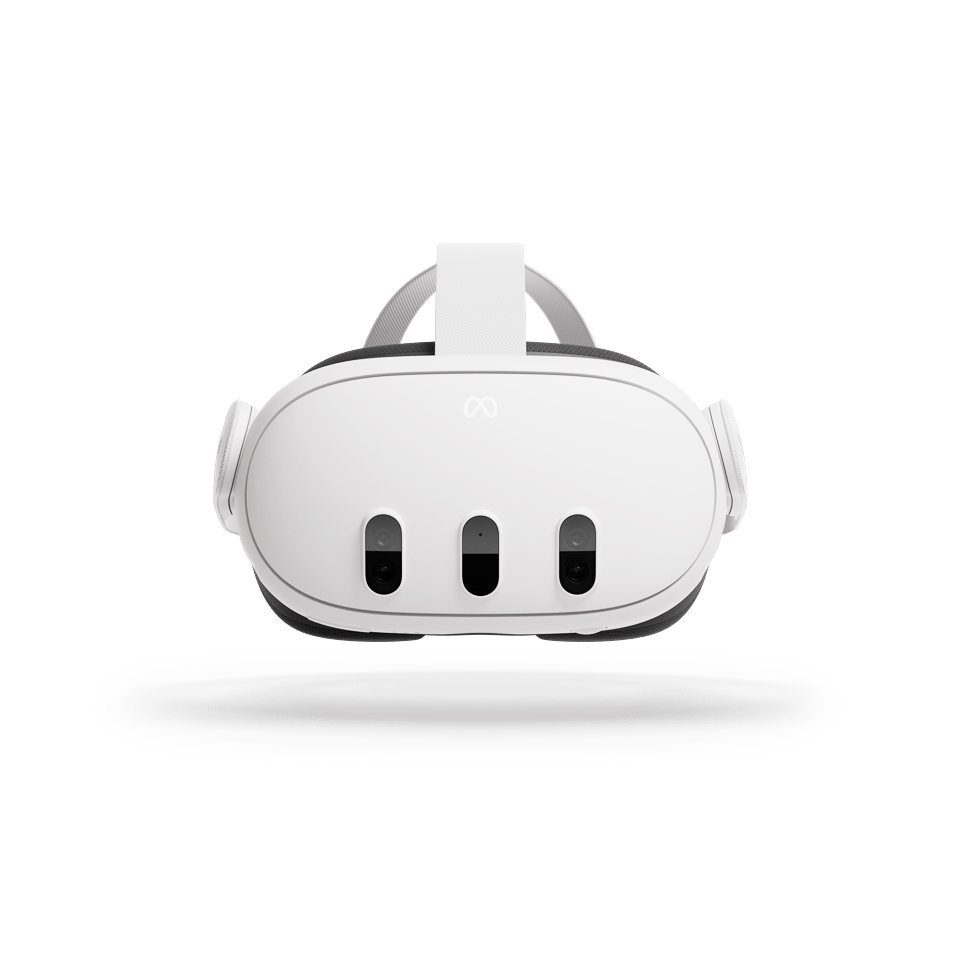
Meta Quest 3
Recommended for the best Ovation VR experience, with strong performance and premium mixed reality hardware.
View Quest 3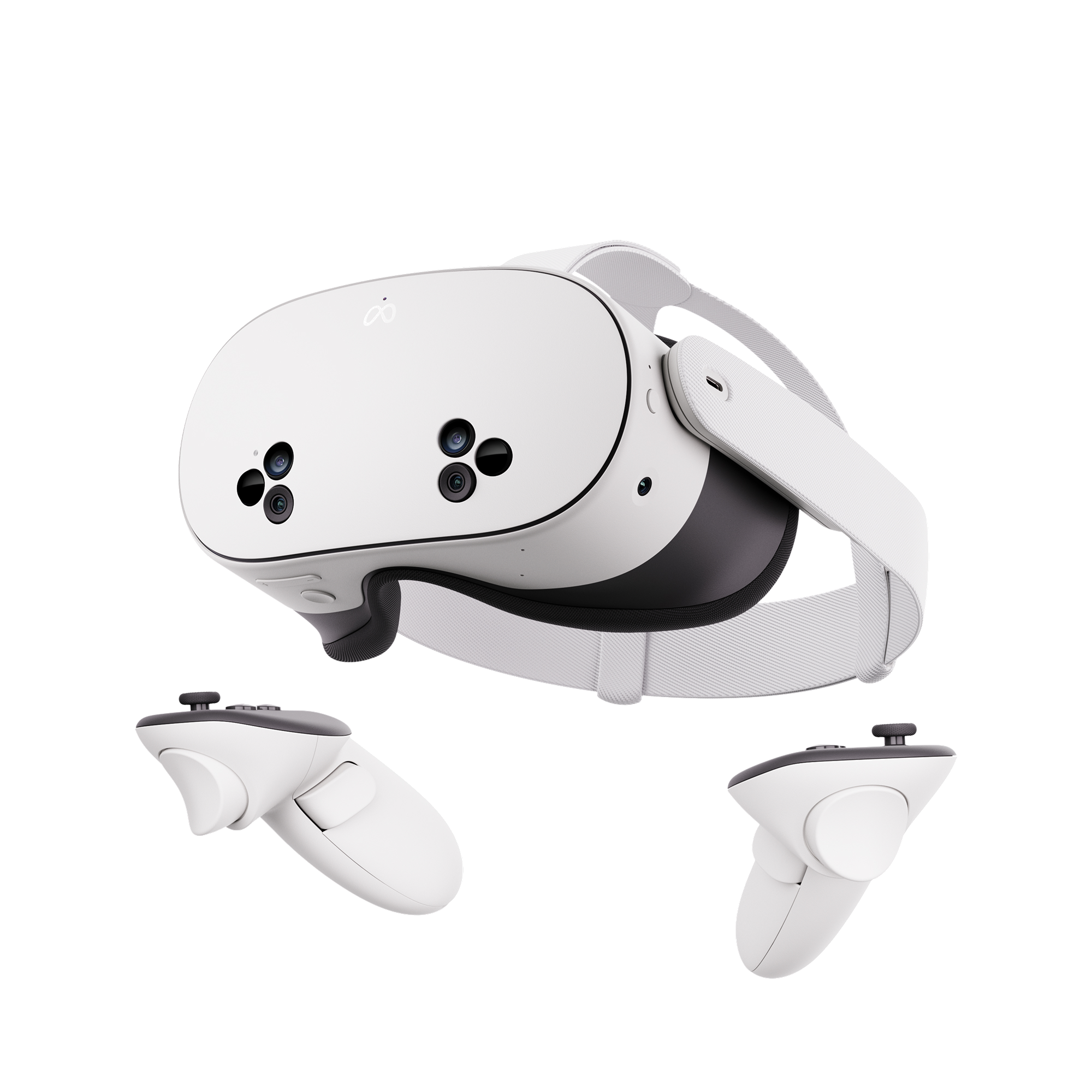
Meta Quest 3S
Recommended for anyone who wants a lower-cost current-generation Quest headset for immersive practice.
View Quest 3S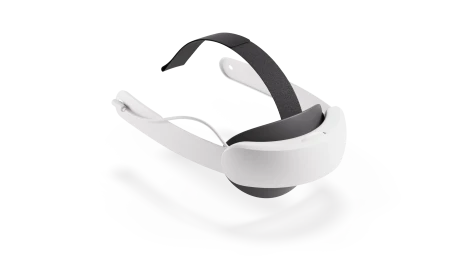
Optional comfort upgrade
Consider the Meta Quest Elite Strap
For longer sessions or shared lab use, an upgraded strap can improve fit and comfort. Meta sells an Elite Strap for Quest 3 and Quest 3S.
View Elite StrapWhat VR users say about Ovation
Start your trial in three quick steps
Need licenses for a class, lab, or program? Book a Demo to discuss concurrent licensing and institutional pricing.